
AI Christmas card: your family photo as a cartoon
Upload the family photo, choose a Disney, Pixar 3D or Comics style, describe the setting — tree, fireplace, snow — and the AI redraws the scene. All that is left is to add your greeting, then print it or send it.
40 free credits at sign-up — no credit card
A greeting card nobody has received before
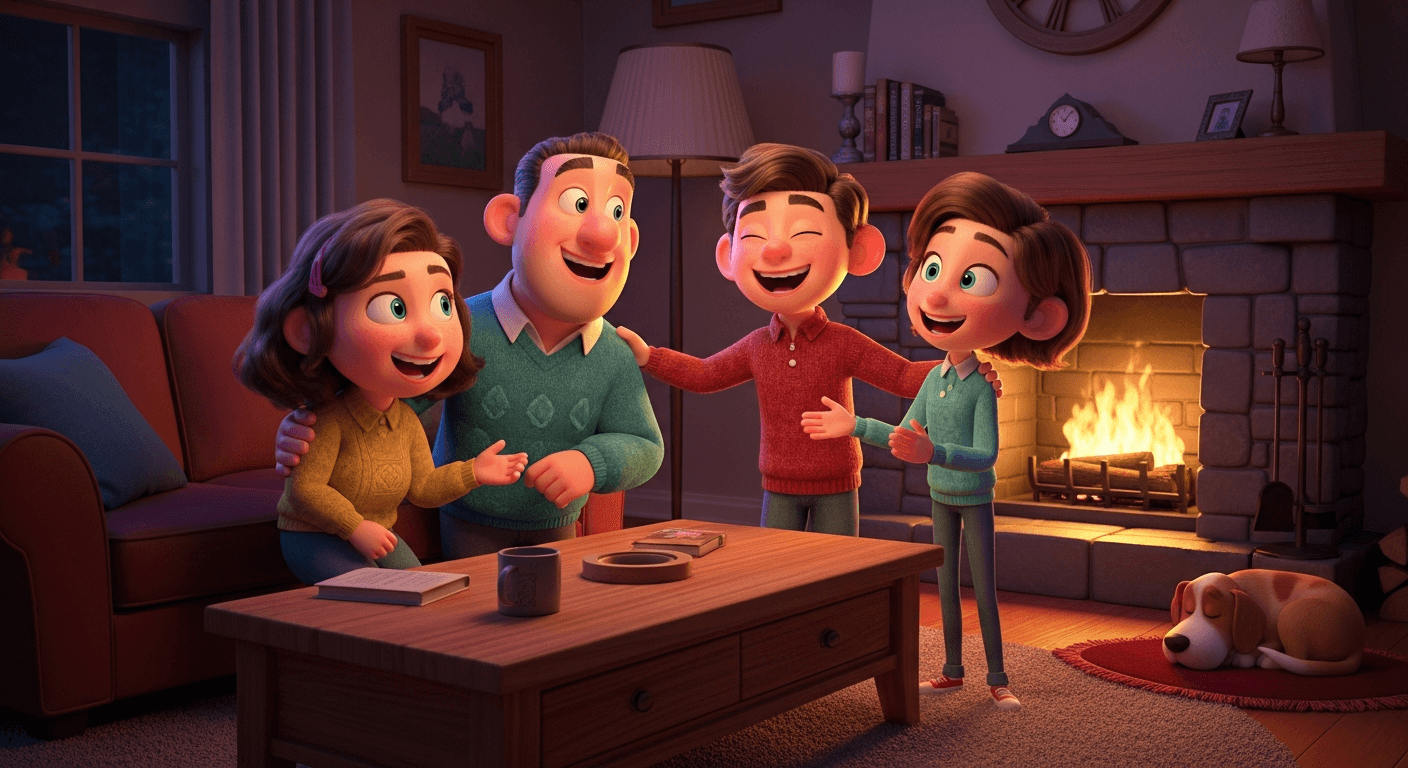
Personalised photo cards all look alike: the same slightly stiff group photo, slipped into a snowflake template. Redrawn as a cartoon, the same photo tells another story — a family from an animated film, children with laughing eyes, a dog in an elf hat, a fireplace your living room does not have.
And if the card moved? The same photo, redrawn and then animated for a few seconds — snow falling, the children smiling — is the personalised Christmas video.
Rather have Santa himself speak to your child, by name? A cartoon Santa can say a short line or read your whole message: personalized Santa video message.
Or a whole Christmas tale, narrated, in which your child is the hero: personalized Christmas story video.
The technique is the one behind our photo to cartoon tool: the AI reads the faces, poses and clothes, then generates an entirely new image in the chosen style, Christmas setting included if you ask for it. Nothing is pasted over the photo: everything is redrawn.
One honest point: the AI makes the illustration, not the finished card. The “Merry Christmas” message and the layout come afterwards, in the app of your choice or at your printer — in a few clicks, with the font you like.
What does an AI Christmas photo look like?
Three styles generated with ToonZap from the same photo, without retouching: Pixar 3D, Disney and Watercolor, three styles that suit a Christmas card.

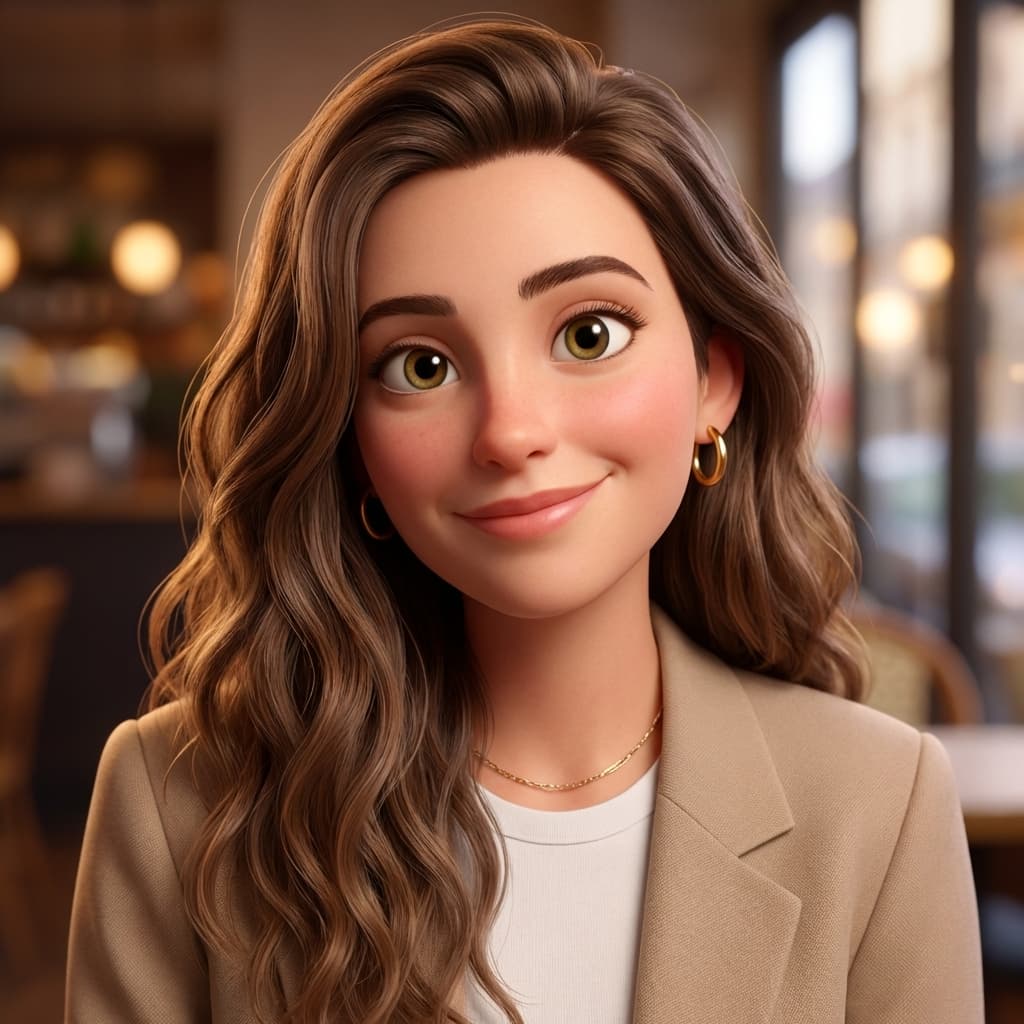


Real results from ToonZap's photo → cartoon tool. These examples have no Christmas setting: you ask for the tree, the snow or the jumpers in the “Image touch-ups” box.
How to make a Christmas card with your photo
Three steps for the illustration, then your message: no photo-editing skills needed.
1. Choose the family photo
A sharp photo where every face is visible and well lit: in front of the tree, in Christmas jumpers, or simply the group portrait from your last holiday. A normal phone photo is fine.
2. Pick the style and the setting
Disney for the magic, Pixar 3D for warmth, Comics or Watercolor for something different. In the “Image touch-ups” box, describe the Christmas setting you want: decorated tree, fireplace, falling snow, red hats.
3. Generate, then print or send
The scene is usually redrawn in under a minute — often in 10 to 30 seconds, a little longer when one AI model hands over to another. Choose the card format (3:2, 4:3 or 3:4) before you start, download the image, then add your message in the layout or printing tool of your choice.
Turn yourself into a Christmas elf
Looking for an AI elf generator? ToonZap has no ready-made elf filter, and we would rather say so. What the photo → cartoon tool does have is the “Image touch-ups” box: whatever you write there is sent to the AI with your photo, as extra instructions on top of the style. For example:
dressed as a Christmas elf: green and red outfit, pointy hat with a bell, pointy ears, Santa's workshop in the background
Then pick a style around it — Pixar 3D or Chibi suit the idea. Be aware of the limits: the AI is asked to keep your pose and framing, so how far the costume goes varies from one photo to another, and we have not run a test series on elf costumes yet. Try it once with your welcome credits before planning the whole family's cards around it.
No photo? The text to cartoon tool draws an elf from a description alone (from 8 credits) — it just will not be your face.
Step by step, with five elf outfits ready to paste into the box — and how to make your elf dance afterwards: turn yourself into a dancing Christmas elf.
Five ideas for a cartoon Christmas card
One photo is enough each time; the style and the description do the rest.
The whole family
Parents, children, grandparents: the group photo becomes a scene from an animated film, with your faces as the reference. The card that stays on the fridge until February.
Baby’s first Christmas
A soft portrait in Disney or Chibi style to announce the first Christmas — or the birth itself. The rounded lines of a cartoon suit little ones well.
The couple’s card
Your photo together, with “matching Christmas jumpers in front of the fireplace” written in the “Image touch-ups” box. Pixar 3D gives a warm, slightly funny result without tipping into kitsch.
The dog or cat as the star
An elf hat, tinsel around the neck: pet photos suit cartoon styles well. Frame tightly on the head and write “red Santa hat” in the “Image touch-ups” box.
Company greetings
The team photo in Comics or Pixar 3D for your client greetings: more memorable than a stock image. Commercial use starts with the Starter plan, which also removes the watermark. A Pack Plus (€14.99) unlocks the same rights for 30 days.
Print or send: formats and resolution
Choose the format before you generate: 3:2 or 4:3 for a classic landscape card, 3:4 for portrait, 1:1 for a square image to send by message, 9:16 for a story — or Original, the default, to keep the shape of your photo. The image comes out in standard definition, around 1,000 px on a side: enough for screens and messaging.
For a sharp print at card or A5 size, run the upscale afterwards: 2× or 4× (6 credits), up to 4,096 px wide. Print at home on photo paper, through an online photo lab or at your local print shop — that is where you add your greeting and, if you like, a back page.
On the Free plan, the downloaded image carries a small ToonZap watermark in one corner; a subscription removes it, and so does any credit pack for 30 days.
The right timing for Christmas 2026
Christmas falls on a Friday this year. Generating takes only minutes; printing and delivery are what need time.
- Mid-November: choose the photo and test two or three styles.
- End of November: approve the card, run the upscale, add your greeting.
- Early December: order the prints, allowing for your printer’s lead time.
- Before mid-December: post the cards — check your postal service’s last posting dates. For a digital card, the day before is enough.
Which style for a Christmas card?
- Classic magic: Disney — golden light, big eyes, a fairy-tale setting.
- Warmth and humour: Pixar 3D, like a modern animated film.
- Bold and graphic: Comics, for a card that stands out on the mantelpiece.
- Soft and poetic: Watercolor, lovely on textured paper.
- For children: Chibi, round and colourful — or Custom, with your own description of the look.
Can't decide? The multi-style tool applies up to 6 styles at once to the same photo (12 credits per style, 10 from 4 styles) — handy for letting the family vote.
How much does an AI Christmas card cost?
Trying it costs nothing: your account starts with 40 free credits, no credit card. A photo → cartoon uses 12 credits with the default AI model (up to 20 with the other models) and the upscale 6 — so the welcome credits cover 3 tries with the default model, or 2 tries plus the upscale of the final version.
On the Free plan, images carry a small ToonZap watermark and your balance is topped back up to 30 credits every month. For a card with no watermark, or to redraw the whole extended family: credit packs from €1.99 (no subscription; a pack removes the watermark for 30 days) and subscriptions from €4.99/month. All the details are on the pricing page.
Want a card that moves for the digital version? The animate a photo tool turns your cartoon into a 5-second clip (55 credits). The welcome credits do not cover it; a credit pack does — the Pack Start (€1.99) pays for one. And if a generation fails, the credits are refunded automatically.
AI Christmas card: frequently asked questions
How do I make an AI Christmas card with my photo?
Create your account, open the photo → cartoon tool, upload the family photo, choose a style (Disney, Pixar 3D, Comics, Watercolor…) and describe the Christmas setting in the “Image touch-ups” box. The image is usually ready in under a minute; download it, add your message, then print it or send it by message.
How do I make an AI Christmas photo?
Start from an ordinary photo — the family in the living room, the children, the dog — and ask for the setting in the “Image touch-ups” box: lit-up tree, Christmas jumpers, red hats, snow outside the window. The AI redraws the whole scene as a cartoon in the chosen style, setting included, with your faces as the reference. No photo shoot in front of a real tree needed: the illustration brings the Christmas mood.
Is the cartoon Christmas card free?
Trying it is: 40 credits are given at sign-up, no credit card. A photo → cartoon costs 12 credits with the default AI model (up to 20 with the other models), which leaves 3 tries to compare styles. On the Free plan, the downloaded image carries a small ToonZap watermark in one corner and your balance is topped back up to 30 credits every month; to remove the watermark, credit packs start at €1.99.
Which format and resolution for printing?
Choose the format before generating: 3:2 or 4:3 for a landscape card, 3:4 for portrait, 1:1 for a square image. The image comes out in standard definition (around 1,000 px on a side); for a sharp print at card or A5 size, run the 2× or 4× upscale afterwards (6 credits, up to 4,096 px wide). The file prints at home, through an online photo lab or at a print shop.
Can I add “Merry Christmas” or the children’s names to the card?
ToonZap creates the illustration; the text goes on afterwards, in the app where you lay out the card (word processor, your printer’s tool or an online photo lab). That is more reliable than text drawn by the AI, whose spelling is not guaranteed, and you choose the font and the colour.
Can the AI refuse my photo?
It can happen with family photos: image models apply their own rules, without always saying which. When one AI model refuses, ToonZap automatically tries another; if all of them refuse, your credits are refunded in full. A sharp, well-lit photo where the faces are clearly visible gives the best chance.
Can I turn myself into a Christmas elf?
You can ask for it, but there is no dedicated elf filter: write the costume in the “Image touch-ups” box (“dressed as a Christmas elf, green and red outfit, pointy hat with a bell, pointy ears”). The AI keeps your pose and framing, so how far the costume goes varies from one photo to another — try it once with the welcome credits before counting on it.
I don’t have a recent family photo — can I still make a card?
Yes, two ways: redraw an older photo or a simple selfie of each person — the AI works on one image at a time — or create an illustration without a photo with the text → cartoon tool (from 8 credits), from a description such as “a family of four in Christmas jumpers in front of the fireplace, Pixar 3D style”.
How early should I start?
Generating takes a few minutes; printing and delivery are what need time. Christmas 2026 falls on a Friday: create and approve your card at the end of November, order prints in early December allowing for your printer’s lead time, and post before mid-December. For a digital card, the day before is enough.
The Christmas card that stays on the fridge
Create your account, get 40 free credits and redraw your family photo in a minute — no credit card.
Explore more
ToonZap is not affiliated with any animation studio; the styles offered are generic artistic interpretations.