
Turn yourself into a dancing Christmas elf: your photo as a cartoon elf, then on the dance floor
First the AI redraws your photo as a cartoon elf — green and red, pointy hat, pointy ears — in Pixar 3D or Chibi style. Then our dance tool makes that elf copy the moves of the dance video you choose, with its music.
40 free credits at sign-up cover the elf picture — no credit card.
The dance is a video: from 55 credits, which the welcome credits do not cover.
An AI elf generator that tells you how it works
ToonZap has no ready-made elf filter, and we would rather say so. What it has is the photo → cartoon tool: it redraws your photo in the style you pick, and whatever you write in its “Image touch-ups” box is sent to the AI with your photo, as extra instructions on top of the style. Write “dressed as a Christmas elf” there and the AI redraws you in costume.
The AI is also asked to keep your face, pose and framing, so you stay recognisable — and how far the costume goes varies from one photo to another. We have not run a test series on elf costumes yet: try it once with your welcome credits before planning anything around it.
Making a Christmas card with it? The AI Christmas card page covers formats, printing and timing.
Step one: turn yourself into an elf picture
No photo editing, no app to install: a photo, one sentence, a style.
1. Upload a clear photo
A sharp photo where your face is well lit and clearly visible. Since the AI keeps your framing, a photo that shows you from head to toe leaves room for the whole outfit — and is the one the dance needs.
2. Describe the elf outfit
In the “Image touch-ups” box, write the costume: green and red outfit, pointy hat with a bell, pointy ears, striped stockings — and, if you like, the setting: a toy workshop, a snowy village, a sleigh.
3. Pick a style and generate
Pixar 3D or Chibi suit an elf best; Disney works too. The picture is usually ready in under a minute — often in 10 to 30 seconds. Keep it as it is, or take it to the dance tool.
Five elf outfits to paste into the “Image touch-ups” box
Copy one, adjust the colours or the setting, and keep it short: one sentence is enough.
The classic elf
dressed as a Christmas elf: green and red outfit with a wide belt, pointy hat with a bell, pointy ears, striped stockings, a toy workshop in the background
A family of elves
everyone dressed as Christmas elves in matching green and red outfits and pointy hats, standing in a snowy village with fairy lights
The little elf
dressed as a tiny Christmas elf in a soft green outfit with a red collar and a pointy hat with a bell, surrounded by wrapped presents
The dog or cat elf
wearing a little red and green elf hat with a bell and a striped scarf, sitting next to a decorated Christmas tree
The office elves
the whole team dressed as Christmas elves in green and red outfits, working at a busy toy workshop bench
The styles that suit an elf, on a real photo
The same photo redrawn by ToonZap in Pixar 3D, Chibi and Disney, without retouching.

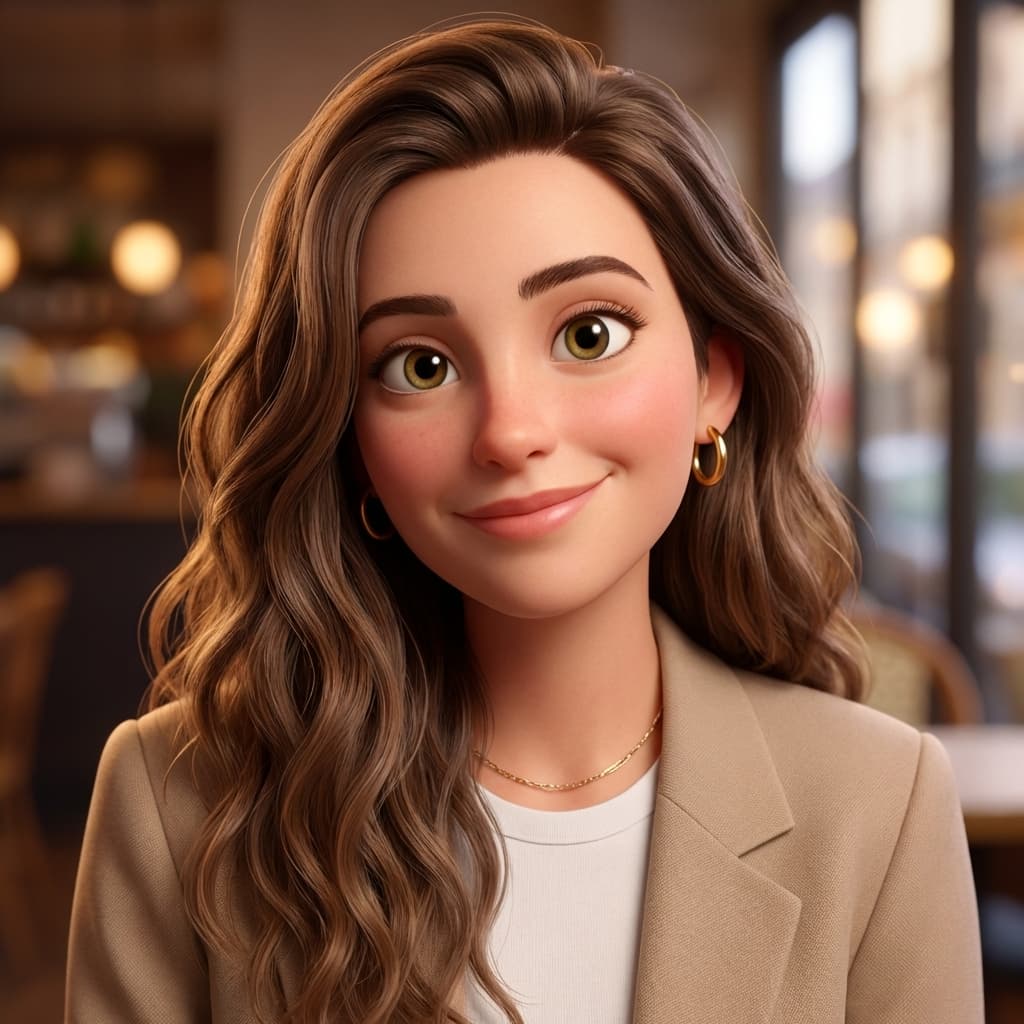


Real results from ToonZap's photo → cartoon tool. These examples have no elf costume: the outfit is what you write in the “Image touch-ups” box.
Step two: make your elf dance
The make a photo dance tool takes a full-body picture — a drawn character works — and makes it copy the moves of a dance video. Your elf picture is that character.
1. Make a full-body elf picture
Use a photo where you are visible from head to toe, or describe a full-body elf with the text to cartoon tool. The dance tool needs the whole silhouette, from the hat to the shoes.
2. Add the dance to copy
Open the make a photo dance tool, pick your elf picture from your creations, then upload the dance video to imitate — your own moves filmed on your phone, or a clip you are allowed to use, up to 30 seconds (MP4, MOV or WEBM). Choose 9:16 for stories.
3. Get your dancing elf
The elf copies the moves, in time with the original music, which is kept. Expect around 5 to 10 minutes; the video lands in your gallery and you get an email when it is ready.
What the dance costs
- 11 credits per second of the dance video, with a 55-credit minimum (up to 5 seconds): 110 credits for 10 seconds, 330 for 30.
- It is a video: the welcome credits do not cover it.
- The Pack Start (€1.99, 55 credits, no subscription) pays for a 5-second dance.
- Prefer a gentler move than a dance? The animate a photo tool turns your elf into a 5-second clip — a wave, a wink, snow falling (55 credits).
No full-body photo? Describe the elf instead
The text to cartoon tool draws an elf from a description alone (from 8 credits) — handy for a child's story, a card, or a full-body elf ready to dance. It will not have your face. This link opens it with the description below already written and the Pixar 3D style selected:
A cheerful Christmas elf seen full body from head to toe, green and red outfit, pointy hat with a little bell, pointy ears and striped stockings, standing in a cosy toy workshop at the North Pole
What the elf picture costs
- Your account starts with 40 free credits, no credit card. An elf picture from your photo uses 12 credits with the default AI model (up to 20 with the other models): 3 tries.
- On the Free plan the picture carries a small ToonZap watermark in one corner and your balance is topped back up to 30 credits every month.
- A credit pack (from €1.99, no subscription) removes the watermark for 30 days; a subscription, from €4.99/month, removes it for as long as it runs.
- A generation that fails or is refused by every AI model is refunded automatically.
All plans and packs are on the pricing page.
Dancing elf: frequently asked questions
How do I turn myself into a dancing elf?
In two steps. First, the photo → cartoon tool redraws you as a cartoon elf: upload a full-body photo, write the outfit in the “Image touch-ups” box, pick Pixar 3D or Chibi. Then the make a photo dance tool makes that elf picture copy the moves of a dance video you upload, music kept. The picture is covered by the welcome credits; the dance is a video, from 55 credits.
How much does a dancing elf video cost?
The dance is billed per second of the dance video you upload: 11 credits per second, with a 55-credit minimum (up to 5 seconds) — 110 credits for 10 seconds, 330 for 30. The welcome credits do not cover it. The Pack Start (€1.99, 55 credits, no subscription) pays for a 5-second dance.
Is there a free AI elf generator?
There is no dedicated elf filter on ToonZap, but trying the photo → cartoon tool is free: 40 credits at sign-up, no credit card, and each image uses 12 credits with the default AI model (up to 20 with the other models) — 3 tries. On the Free plan the downloaded picture carries a small ToonZap watermark in one corner, and your balance is topped back up to 30 credits every month.
Will the elf look like me?
The AI is asked to keep your face, pose and framing and to redraw everything in the chosen style, so you stay recognisable — that is also why the costume does not always go all the way: how much of the outfit you get depends on the photo, and a body cut off by the frame cannot show striped stockings. We have not run a test series on elf costumes yet, so try the picture once before planning a dance around it.
Can I turn my whole family, or my kids, into elves?
For the picture, yes: upload the group photo and write “everyone dressed as Christmas elves” in the box — the whole group is redrawn together, from the same sentence. The dance works best with one dancer and one full-body character, so make one elf picture per dancer. Image and video models apply their own rules to children’s faces: if one refuses, ToonZap automatically tries another, and if all of them refuse, your credits are refunded in full.
Can I make an elf without a photo?
Yes, with the text → cartoon tool (from 8 credits): describe the elf — age, hair, outfit, setting, “full body” if you want it to dance — and the AI draws it. It will not have your face, but it works for a card, a children’s story or a dance.
This year, the elf has your face
Create your account, try your elf outfit on your own photo with the welcome credits, then make it dance when you are happy with it.
Explore more
Make a photo dance
Any full-body picture, any dance video: the moves are copied, the music kept.
AI Christmas card
The family photo redrawn as a cartoon, ready to print or send.
Personalised Christmas video
The family photo, animated: snow falls, lights twinkle.
Santa video message
A cartoon Santa who says your child's name, in your voice or an AI voice.
A whole Christmas tale, narrated, in which your child is the hero: personalized Christmas story video.
ToonZap is not affiliated with any animation studio or greeting-card brand; the styles offered are generic artistic interpretations.